Why Ziadah fits this vertical
Pairing-aware sides — not random.
Fast decisions — right-moment prompts.
Meal bundles lift AOV and experience.
Family upgrades grow tickets naturally.
Timed coupons convert respectfully.
Dish-level attach reporting.
Complete Playbook — Restaurants & Cafés
Ziadah suggests sides and drinks that complement the main dish — at the moment the customer is ready to add
Choose your size
What the customer sees
A small step up
Upgrade the size by the difference, not the price
Activate the app, and Ziadah sets everything up by itself with AI
Pairing-aware sides — not random.
Fast decisions — right-moment prompts.
Meal bundles lift AOV and experience.
Family upgrades grow tickets naturally.
Timed coupons convert respectfully.
Dish-level attach reporting.
Live examples
11 shapes, each one a full storefront screen rather than a card floating in mid-air. Scrolling moves through them, and any of them can be clicked.
On the product page, while the shopper browses: products people who bought this item also liked.
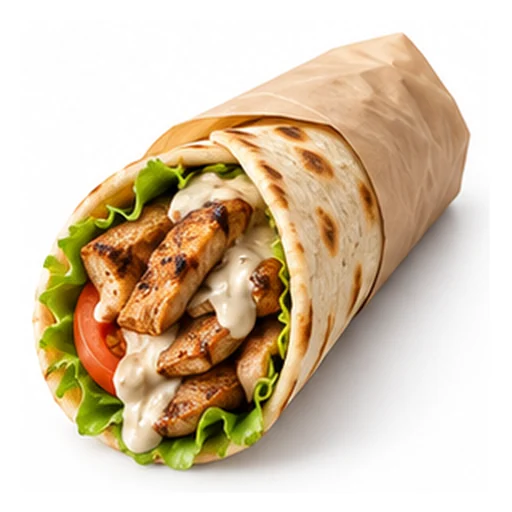
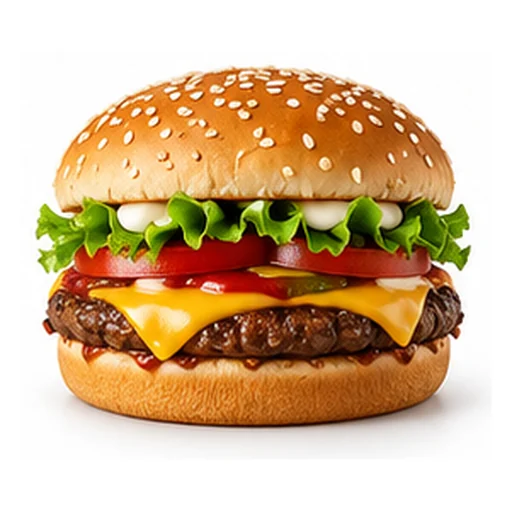
Regular shawarma wrap
SAR 22 SAR 28
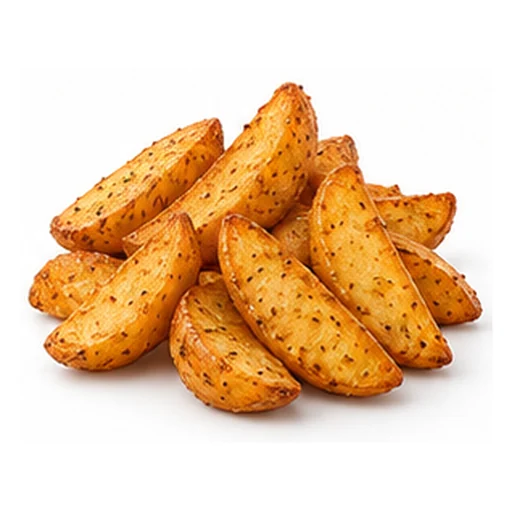
Wedges Fries
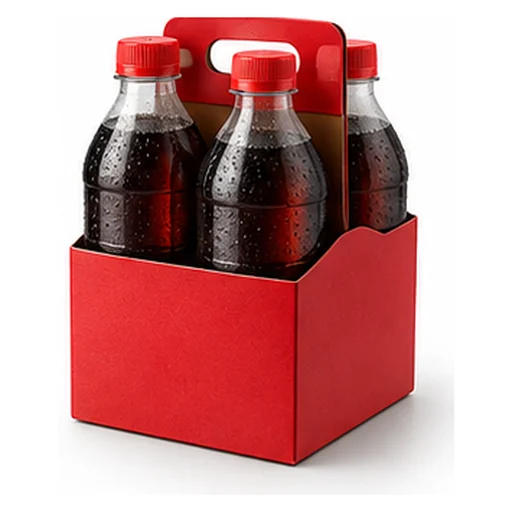
Soft drinks ×4
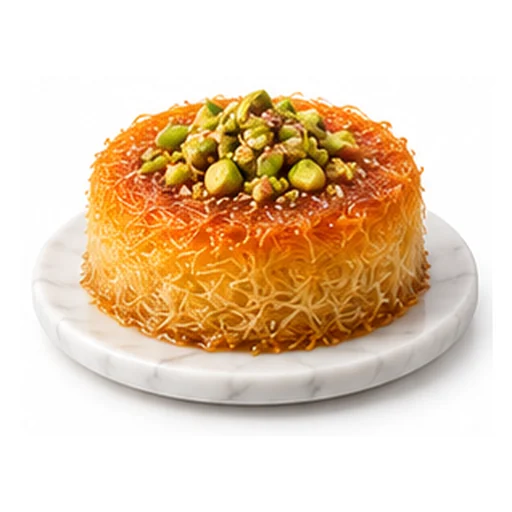
Mini kunafa
On the product page, when the shopper opens an item that has a better or higher-tier alternative.
On the product page, before add-to-cart: the shopper picks a quantity and watches the unit price drop.
When a product needs parts from different groups: pick one from each and the kit price drops.
When a purchase has an order to it: the shopper builds the bundle a step at a time and watches the saving grow.
When a product belongs to a routine or a set: curated sections show each step with its products.
On the product page: items bought together go into the cart in one click.
At add-to-cart: small add-ons that complete the product before the shopper moves on.
On the product or in the cart: tiered discounts, every extra piece unlocks a bigger one.
In the cart: a bar showing how far to free shipping or a gift, with products that close the gap.
The moment an item is added: the cart drawer slides in with suggestions tied to what was just added.
Channels
Ziadah does not run in one place. These are the surfaces the order is built on in this sector.
The guest scans from their own phone and orders themselves. No app to install, no queue.
The self-order screen in the branch. One screen, and one tap between an item and a meal.
An app in the waiter's hand that gives them the sentence to say, and records what happened next.
Right after payment, plus the branch's daily shift script. It never touches the cashier screen or slows the queue.
Delivery and pickup orders from your Salla or Zid store.
Your own app, through the Ziadah API, on the same logic and in your own design.
Install the app from your Zid, Salla or Shopify dashboard in one click. That is all you do.
It reads your catalogue and orders, picks the places, shapes and offers, sets them up, then tests and improves them with every order.
In Restaurants & Cafés it tunes by: Main dish chosen, Meal time, Usual pairings, Price band.
Three steps repeated for every visitor: read them, suggest to them, measure the result.
Builds a profile for every visitor from Main dish chosen, Meal time and Usual pairings, and refreshes it with every order. No forms, no questions for the shopper.
What it follows
An example from your sector: "Side salad — top with this dish" at a 94% match. Every shopper sees a different order.
Your reports show AOV (+32%) and Attachment (+40%) before and after activation.
Every complement in place — every SAR measured.
Apply the same examples and playbooks above to your store.
Activate the app, and Ziadah sets everything up by itself with AI