

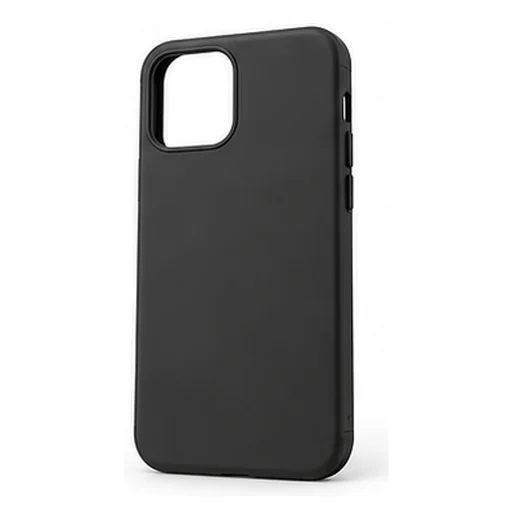
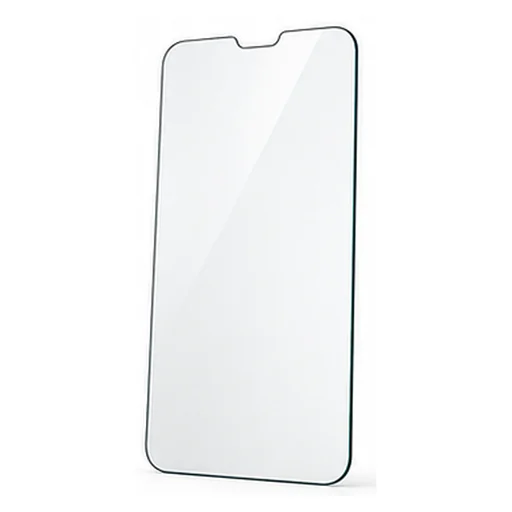
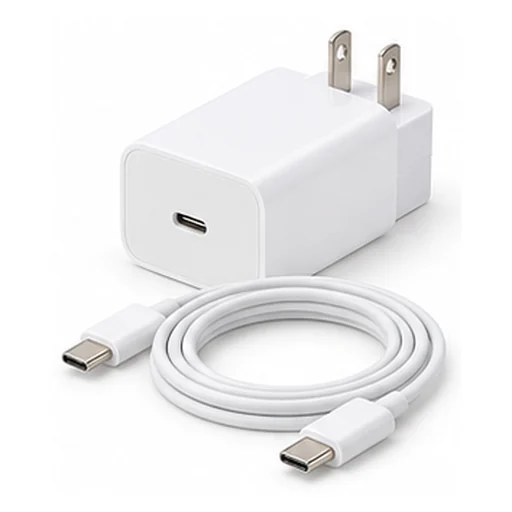

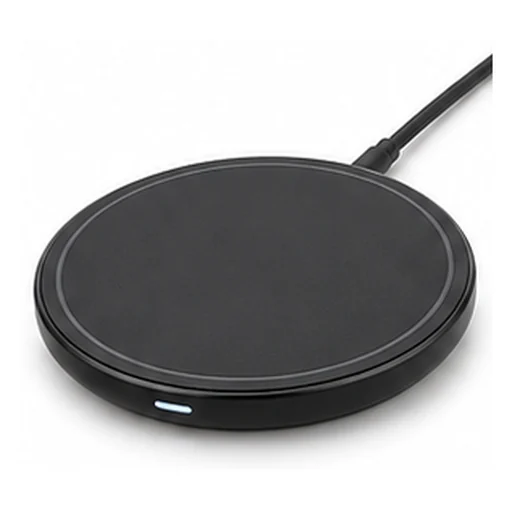
Suggestions near the main item.
Solutions
By Display Type
A general page for display modes: related products, bundles, and add-ons.
Show the right format
Related productsSAR 150SAR 120AddSAR 106SAR 85AddSAR 119SAR 95Add
Add more productsExplore these great items before you checkout.
SAR 250Pricing balance
Free ShippingCash on Delivery
Electronics
Phone Protective Case
4.9521 reviews
Electronics
Glass Screen Protector
4.9521 reviews
Electronics
Fast charger head & cable
4.9521 reviews
CartSAR 320Checkout
Skip
Product swap
Quantity offer
Build your kit
Step by step package
Curated sections
Buy them all
Related products
How it works
Solutions by display type
Choose the display format that fits your store UX: list, bundle, or quantity offer.
Activate the app, and Ziadah sets everything up by itself with AI
- +24%Offer acceptance
- +17%Items per order
- +14%AOV uplift
- UXSmooth presentation
Strategies
Display patterns
Light options while buying.
Compatible products in one offer.
Clear package offers.
Quantity-based offers to increase cart value.
A fixed set at one price, added in one click.
Live examples
How it looks in your store
On the product page, while the shopper browses: products people who bought this item also liked.
Add more productsExplore these great items before you checkout.SAR 250Pricing balanceFree ShippingCash on DeliveryElectronicsPhone Protective Case
4.9521 reviewsSAR 150SAR 120AddElectronicsGlass Screen Protector
4.9521 reviewsSAR 106SAR 85AddElectronicsFast charger head & cable
4.9521 reviewsSAR 119SAR 95AddCartSAR 320CheckoutSkipOn the product page, when the shopper opens an item that has a better or higher-tier alternative.
On the product page, before add-to-cart: the shopper picks a quantity and watches the unit price drop.
When a product needs parts from different groups: pick one from each and the kit price drops.
When a purchase has an order to it: the shopper builds the bundle a step at a time and watches the saving grow.
When a product belongs to a routine or a set: curated sections show each step with its products.
On the product page: items bought together go into the cart in one click.
At add-to-cart: small add-ons that complete the product before the shopper moves on.
On the product or in the cart: tiered discounts, every extra piece unlocks a bigger one.
In the cart: a bar showing how far to free shipping or a gift, with products that close the gap.
The moment an item is added: the cart drawer slides in with suggestions tied to what was just added.
Available in Plans
- Starter
- Growth
- Professional
- Business
Detailed Reports
Measure Everything — Campaign by Campaign, Product by Product
Ziadah gives you precise reports for every campaign: impressions, clicks and click rate, conversions, and total sales. Inside each campaign you'll find a report for each product individually — so you know exactly what's producing results and can scale it up.
- Campaign ReportsImpressions · Clicks · Conversion · Sales
- Product ReportsClicks · Conversion · Sales per product
- Live DataUpdated automatically in real-time
Choose the best display type
One solution can be shown in multiple formats.
Activate the app, and Ziadah sets everything up by itself with AI