



Multi-Select Checkboxes
Customers see a list of add-ons with checkboxes — they select what they want and see the total update instantly. Significantly improves add-on acceptance rates.
By Display Method
Show customers functional add-ons that complement their main product — using a multi-select approach that maximizes acceptance and increases order value.
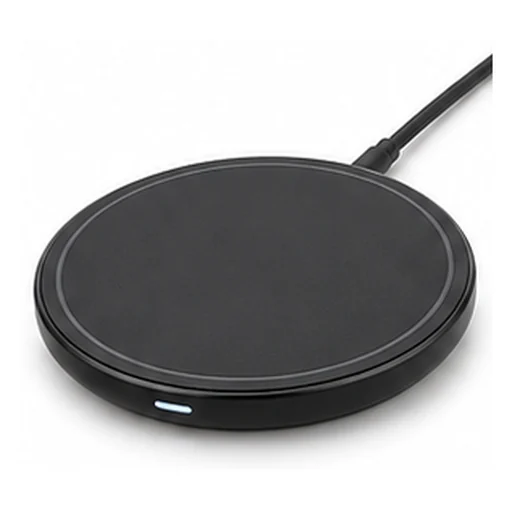
Wireless Earbuds
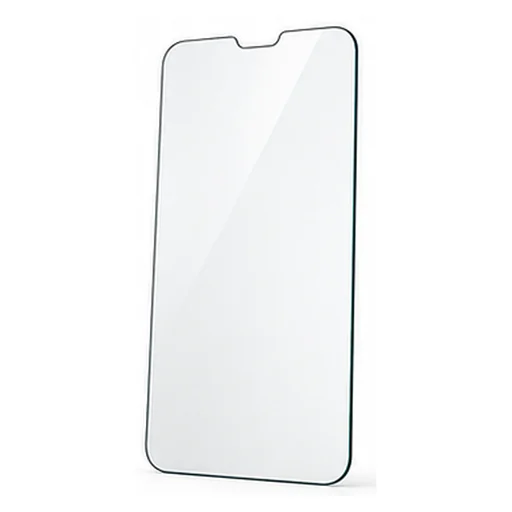
Phone Protective Case
Add more
How it works
Add-ons present the customer with a list of additional products that functionally complement or enhance their main purchase — not a replacement or competitor, but a complement. What makes Ziadah's implementation unique is the multi-select approach: instead of suggesting one add-on, it displays a selectable assortment with a total price that updates instantly with each selection. AI chooses what to display based on actual store data and personalizes the list for each customer.
Activate the app, and Ziadah sets everything up by itself with AI
Strategies
Customers see a list of add-ons with checkboxes — they select what they want and see the total update instantly. Significantly improves add-on acceptance rates.
Each product has a custom add-on list tailored specifically to it — no generic lists. Ziadah learns from order data which add-ons are most accepted with each specific product.
Each add-on displays its price clearly with a brief value message — 'Protect your phone' or 'Complete your set' — making the choice logical and easy.
The add-on list appears when adding the product to cart or on the product page — at the moment when the customer is in a buying mindset.
Live examples
At add-to-cart: small add-ons that complete the product before the shopper moves on.
Wireless Earbuds
Phone Protective Case
When a product needs parts from different groups: pick one from each and the kit price drops.
When a purchase has an order to it: the shopper builds the bundle a step at a time and watches the saving grow.
On the product page: items bought together go into the cart in one click.
Available in Plans
Detailed Reports
Ziadah gives you precise reports for every campaign: impressions, clicks and click rate, conversions, and total sales. Inside each campaign you'll find a report for each product individually — so you know exactly what's producing results and can scale it up.
Small add-ons are cumulative — every order with two add-ons noticeably boosts your monthly revenue.
Activate the app, and Ziadah sets everything up by itself with AI